A slow internet connection can be frustrating, especially when you are working from home, attending online meetings, streaming movies or simply browsing the web. If your NBN connection feels slow or your Wi-Fi signal keeps dropping, the problem may not always be with your internet provider. Your router placement, connected devices, outdated equipment and even the layout of your home can affect internet performance.
For households experiencing slow NBN or weak Wi-Fi in Brisbane, here are some practical ways to improve home internet performance.
1. Check Your Internet Speed
Before changing any settings or buying new equipment, check your current internet speed. Run a speed test on both a wired connection and Wi-Fi, if possible. This can help you understand whether the issue is related to your NBN connection or your wireless network.
If the wired connection performs well but Wi-Fi is slow, the problem is likely related to signal strength, router placement or interference.
2. Place Your Wi-Fi Router in the Right Location
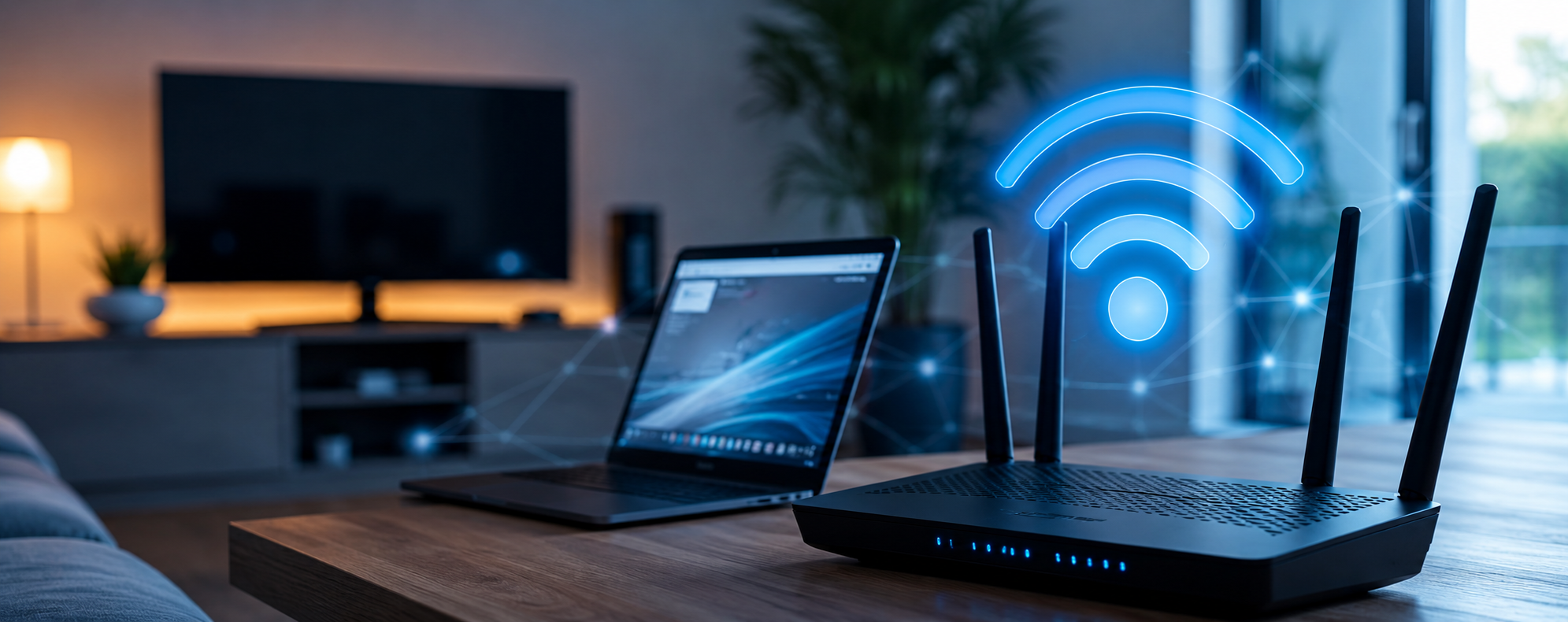
Router location plays an important role in Wi-Fi performance. Placing your router inside a cupboard, behind a television or in the corner of your home can weaken the signal.
For better coverage, position your router in a central, open and elevated location. Keep it away from thick walls, large metal objects and electronic devices that may cause interference. In larger or multi-storey homes, a mesh Wi-Fi system or additional access points may help improve coverage.
3. Restart and Update Your Router
A simple router restart can sometimes resolve temporary connection problems. Turn the router off, wait for a short time and switch it back on.
It is also worth checking whether your router firmware is up to date. Manufacturers may release updates that improve security, stability and overall network performance. An old router may also struggle to support modern devices and faster internet plans.
4. Check How Many Devices Are Connected
Modern homes can have many devices connected to Wi-Fi at the same time, including phones, laptops, smart TVs, security cameras, gaming consoles and smart home devices.
When several devices are downloading, streaming or gaming simultaneously, your available bandwidth can become congested. Disconnect unused devices and check for large downloads or automatic updates running in the background.
5. Secure Your Wi-Fi Network
An unsecured or poorly protected Wi-Fi network may allow unknown devices to use your connection. Make sure your network has a strong password and uses current security settings supported by your router.
Changing the default router administrator password is also an important security step.
6. Consider Professional Wi-Fi and NBN Troubleshooting
If you have tried the basic fixes but still experience slow NBN speeds, dead zones, frequent disconnections or unstable Wi-Fi, the issue may require more detailed troubleshooting. Problems can be related to router configuration, network interference, device settings, cabling or equipment compatibility.
Laptop Experts Pty Ltd provides computer and network troubleshooting support for homes and businesses across Brisbane. Our team can help identify connectivity problems, improve Wi-Fi performance and ensure your computers and devices are correctly configured for a more reliable online experience.
Improve Your Home Internet Experience
You should not have to constantly move around your home searching for a stronger Wi-Fi signal. With the right router position, updated equipment, secure settings and proper network configuration, you can improve the speed and reliability of your home internet.
If slow NBN or weak Wi-Fi is affecting your work, streaming or everyday browsing, contact Laptop Experts in Brisbane for professional troubleshooting and practical network support.